News

Guide

Network – Why pointing at the switch doesn’t fix it

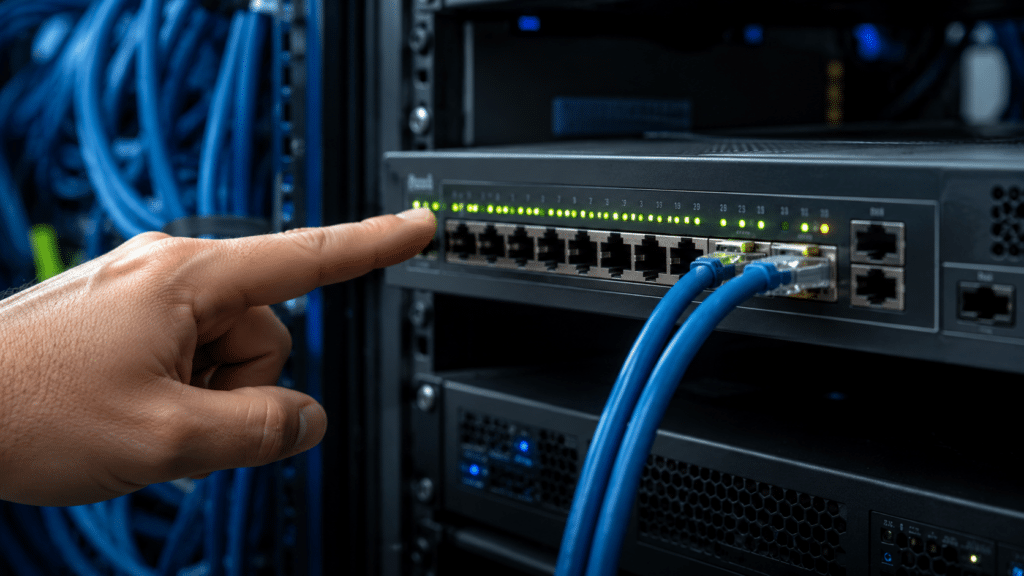
The internet is down. Naturally, everyone turns towards the network rack and points at the switch.

Unfortunately, switches are rarely impressed by pointing.

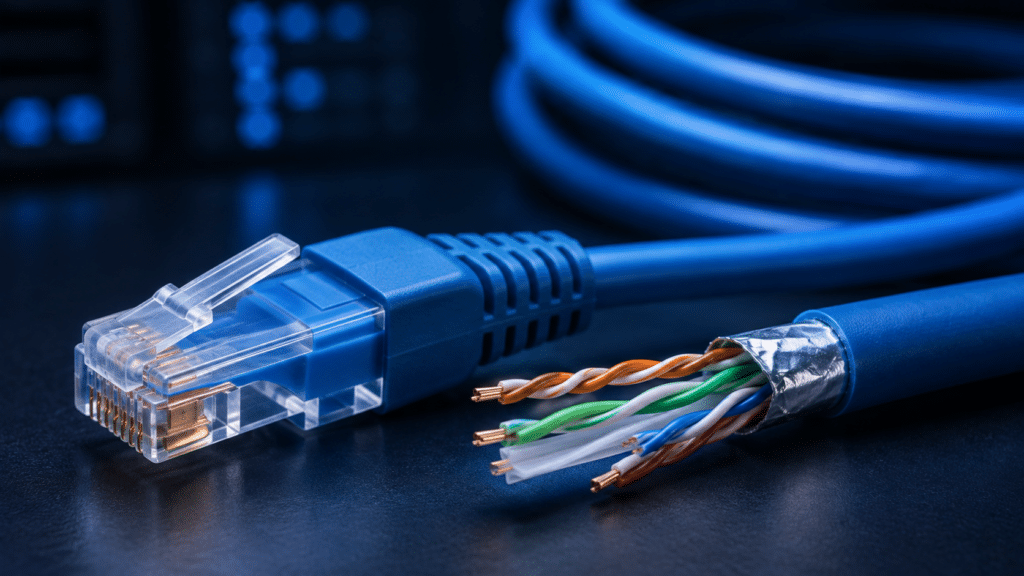
Network problems can originate from damaged cables, loose connections, disabled ports, incorrect configuration, power issues or problems with the connected device itself. Even an illuminated port LED doesn’t necessarily mean the cable or connection is working correctly.

Good troubleshooting is about following the connection from one end to the other: check the cable, verify the link, inspect the port status, test with known-working equipment and then move further into the configuration.

So yes, the problem might be the switch. But pointing harder probably won’t help.
17. August 2026
Share online

Read other news

Education

Structured Cabling – What is a CAT cable?

You see CAT cables everywhere — connecting computers, access points, switches and countless other network devices. But what does “CAT” actually mean? CAT is short for Category, and the category tells you something about the cable’s performance and capabilities. Different categories are designed for different bandwidths and network speeds. For...

Information

SmartClick – What makes SmartClick smart?

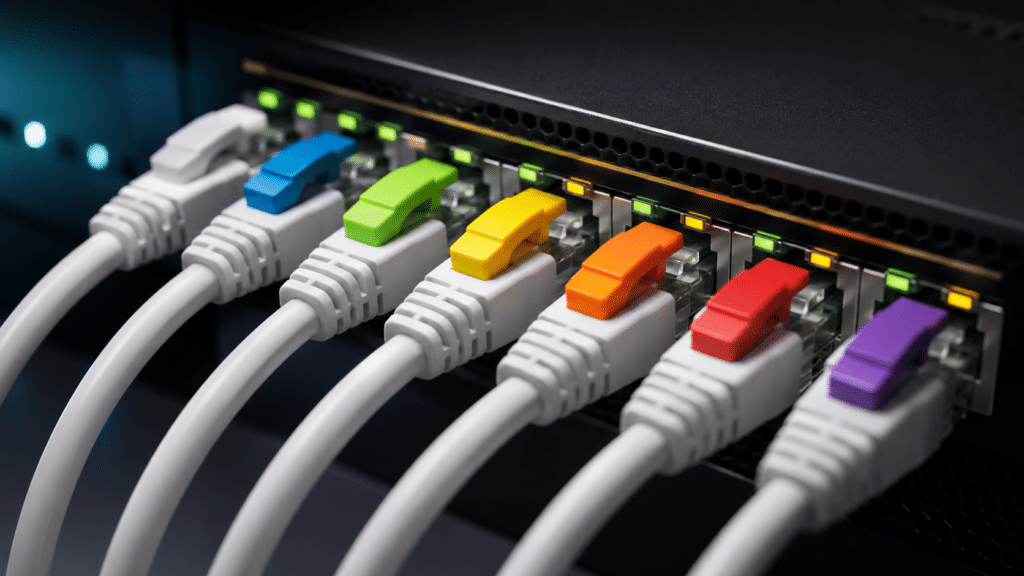
A network cable is a network cable… until you have hundreds of them inside the same rack. That’s where SmartClick comes in. Lanview SmartClick CAT6A patch cables use removable colour-coding clips, allowing cables to be identified by purpose, department, network or whatever system makes sense for your installation. The clips...

Information

Racks – What is a U, and what does it do?

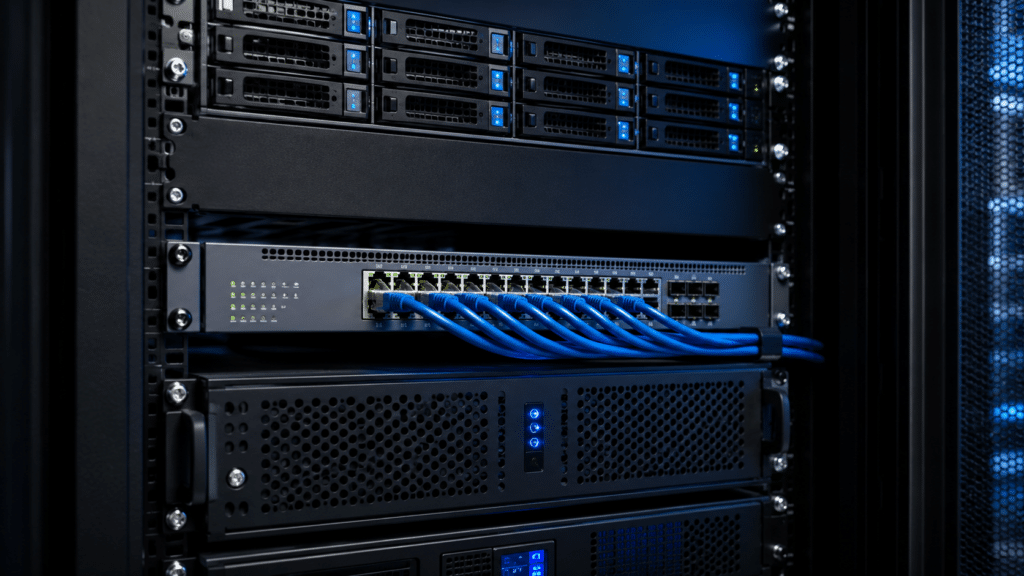
If you’ve ever looked at server racks, switches or patch panels, you’ve probably seen measurements such as 1U, 2U or 4U. The “U” stands for rack unit and describes the vertical space a piece of equipment occupies inside a rack. One rack unit is 1.75 inches (44.45 mm) high. A...